June 4, 2026

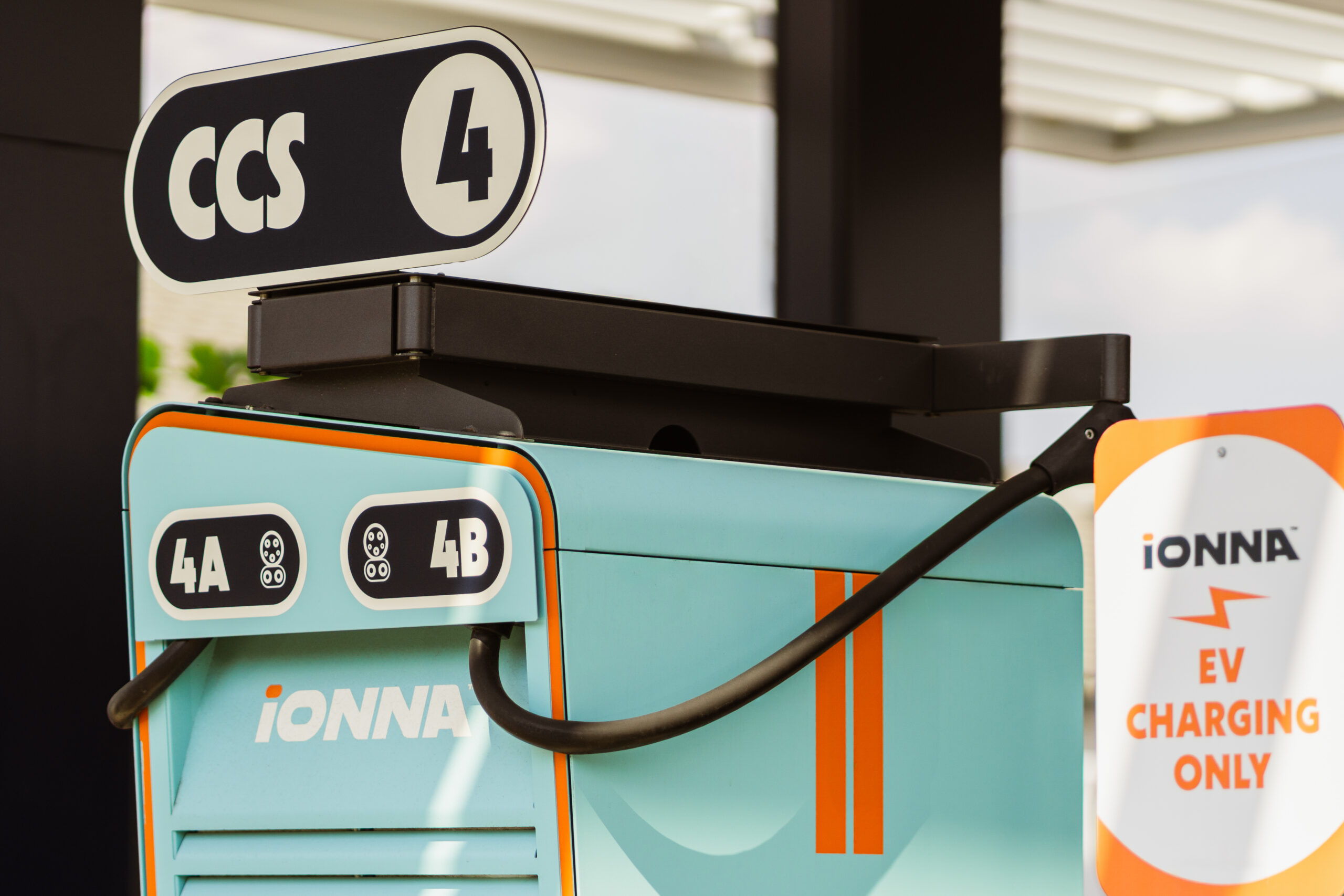
When your battery starts singing the blues, here is how to track down an IONNA Rechargery, using Google Maps. We put together a quick video tutorial to show you the ropes, but if you’re more of a reader, here is your simple, step-by-step guide to making IONNA your preferred home-away-from-home on the road.
Step 1: Fire up Google Maps. Scroll through categories right below the search bar and slide on through until you spot “Charging Stations.” If that is not an option, find the “…More” button.
Step 2: If you went the “… More” route, scroll down to the “Services” section. Select “Charging Stations” to apply the filter. Just like that, the options around you appear.
Lots of options, actually. Let’s narrow it down to the good stuff.
Step 3: Tap the filter button in the top-left corner of your screen. Tap “Your Payments” under “EV Payments” to pull up the network list. You’re almost there.
Step 4: Scroll until you find “IONNA” — give it a tap, hit the back arrow, and apply the filter.
And there they are. Every IONNA Rechargery in your neck of the woods, ready to juice up your journey.
Step 5: When you’re ready, start your journey. We’ll see you there.

