July 8, 2026

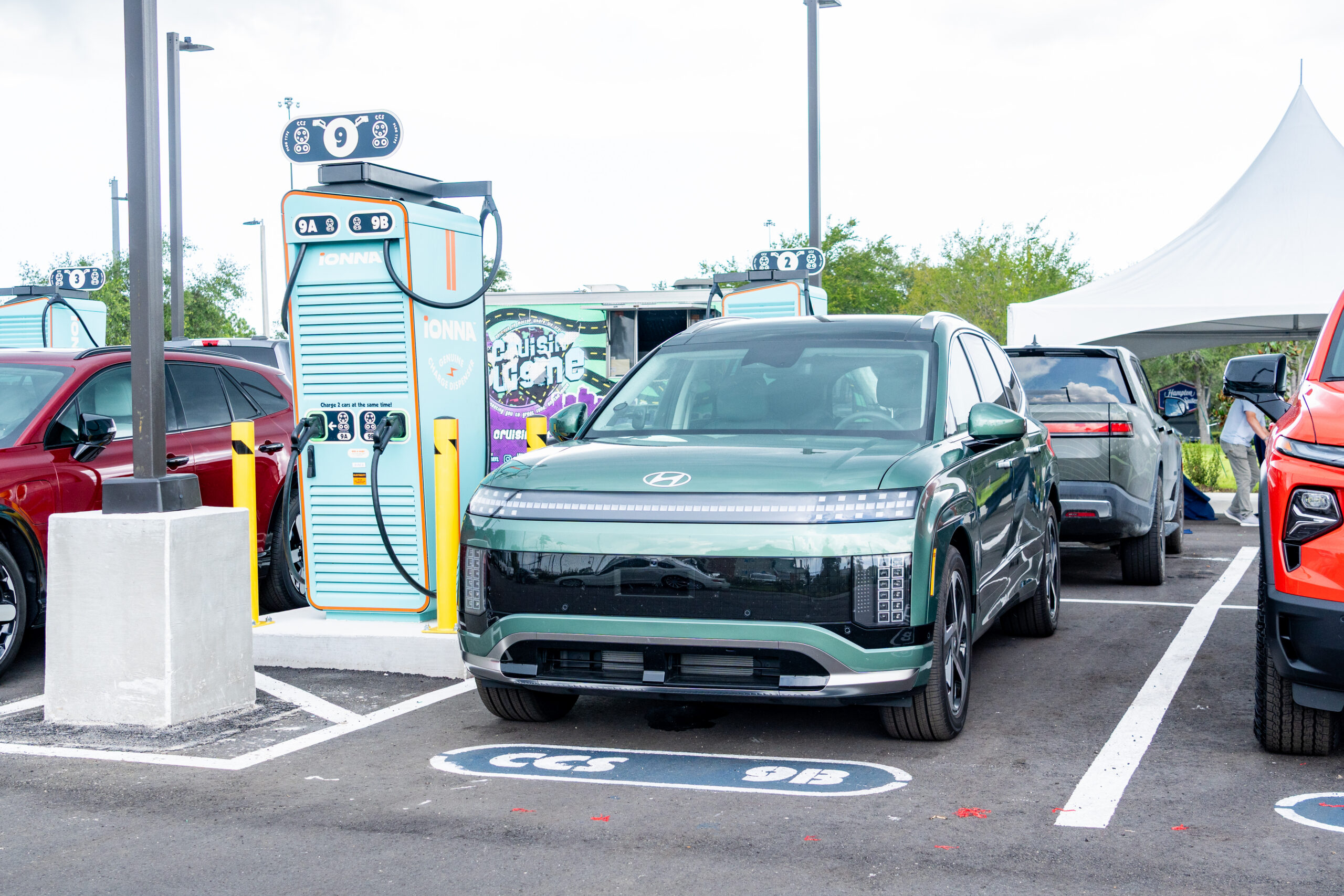
Every charge is a chance to slow down for a minute, and finding the right place to plug in shouldn’t take longer than the stop itself. Good news, Hyundai drivers*: your MyHyundai app makes finding an IONNA Rechargery quick and painless. Here’s the step-by-step, so you can follow along at your own pace.
Open the MyHyundai app and tap the “Charge” button.
For the smoothest experience around, take a quick detour. Tap “Plug & Charge” on the menu to check your status. With Plug & Charge active, charging at IONNA couldn’t be simpler — plug in, walk away, and your car handles the rest. No cards, no fumbling around, just charge and go.
Tap “Find a charging station” to see all of the charging stations near you. A map full of options is nice, but let’s focus on the IONNA Rechargeries, shall we?
Under the search bar, scroll on over to the “All networks” button. Select “IONNA“, then tap “Apply”.
And there they are — every Rechargery in your neck of the woods. Give one a tap to learn more about it.
Take a quick look at the details so you know just what to expect. When you’re ready, tap “Send to car” to hand the route to your Hyundai’s navigation, or tap the “Directions” button to let your phone lead the way.
Your IONNA Rechargery is just down the road. See you there!
* In app charging is currently available for 2025 Hyundai IONIQ 5 (NACS), 2025 Hyundai IONIQ 5N (CCS), 2026 Hyundai IONIQ 5N/6/6N (NACS), 2025 Hyundai Kona EV (CCS), 2026 Hyundai IONIQ 9 (NACS), 2022-2024 Hyundai IONIQ 5 (CCS)

