July 29, 2026

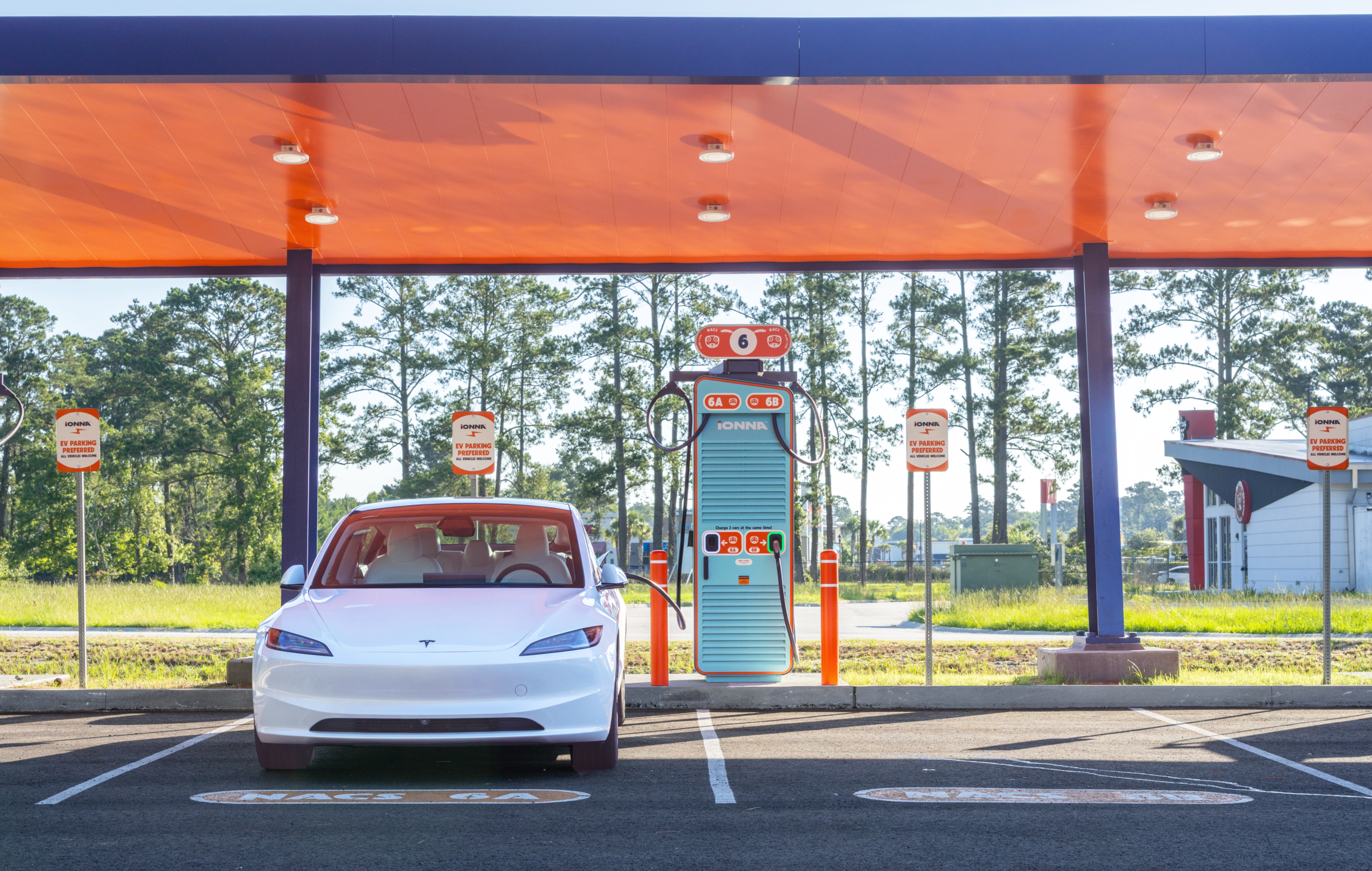
Good news travels fast — and so do you. Whether you’re headed out on a big summer road trip or just cruising through your weekly errands, your nearest Rechargery is closer than you think. You just have to tell your Tesla where to look.
On your Touchscreen, tap the Controls button in the bottom left corner to open the menu, then select “Navigation.”
Scroll on down to the bottom of the menu and tap the switch for “Third-party Charging Stations” under “Charging.” That little toggle is the key to the whole operation.
Collapse the Controls menu and type “IONNA” in the navigation search bar. Select a Rechargery from the list — there are more popping up all the time.
Take a peek at your route. Here’s a nifty bonus: your Tesla will begin preconditioning your battery for fast charging, so you’ll be ready to juice up the moment you plug in.
Your Rechargery is just down the road. See you there!
One small thing first. Most Tesla drivers can juice up at IONNA, but the setting that makes it happen lives a few menus deep — and it’s worth a peek before you’re standing at a charger wondering. A couple of taps on your touchscreen and you’ll know for sure.
If it reads Enabled, that’s it. You’re ready to plug on in.
If it doesn’t say Enabled — or the line isn’t there at all — reach out to Tesla Service. Some Tesla models before 2021 need a retrofit to unlock third-party DC fast charging.
That’s the whole checklist. From here it’s just you, the open road, and a place to recharge at the end of it.

