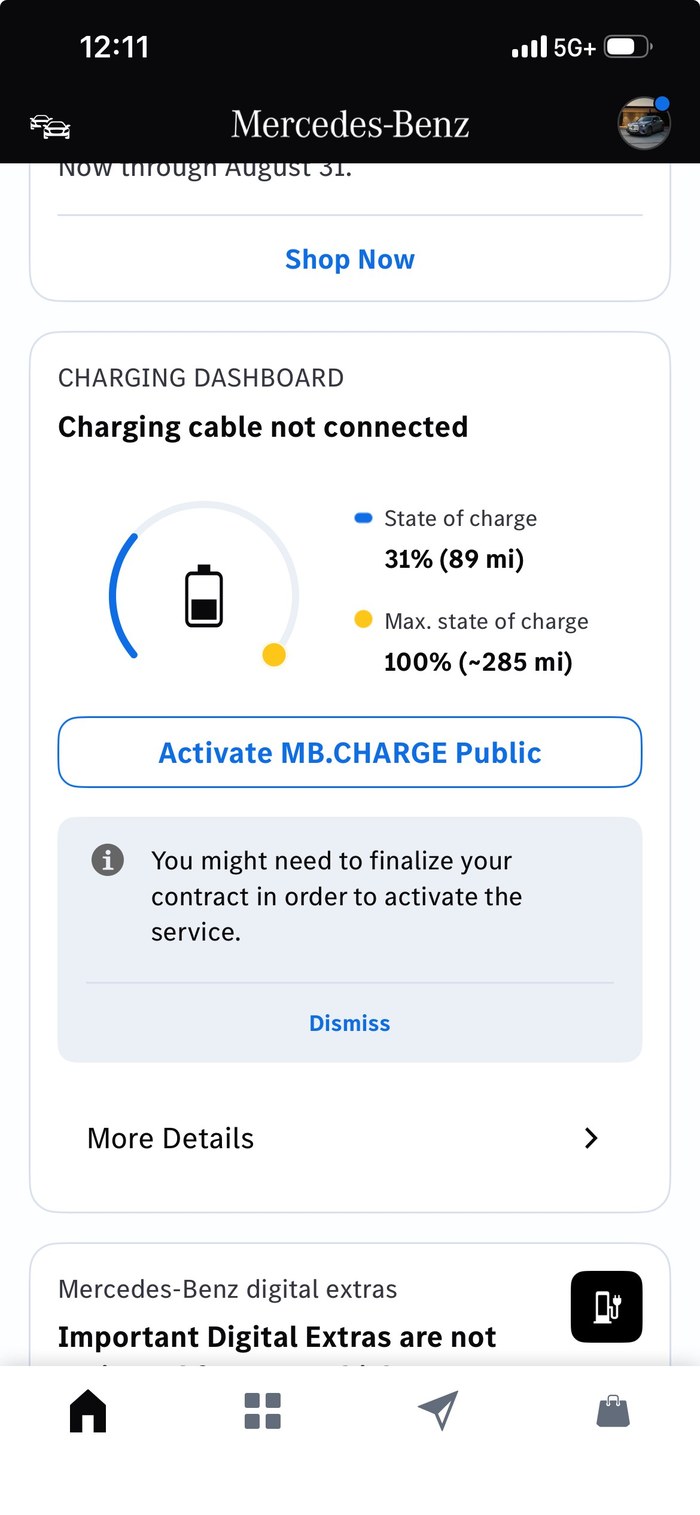
How do I update my payment method in my Mercedes-Benz App?
MB. CHARGE Public is backed by your ChargePoint® account, whether you created one at registration or paired an existing one. Without a valid payment, you will not be able to charge at stations in our network. Your account must have valid payment information to start charging sessions through MB.CHARGE Public.
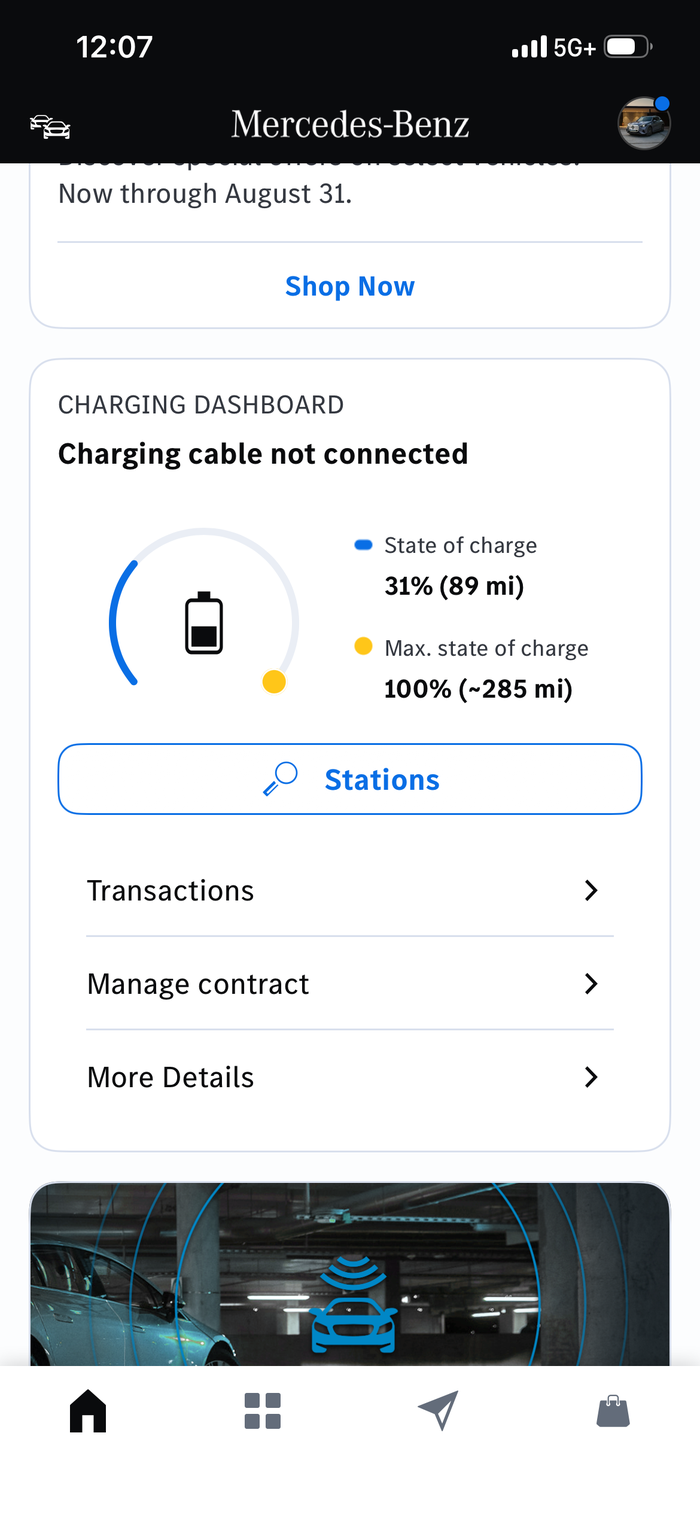
1. Open the Mercedes-Benz app and scroll down to select “Manage contract”
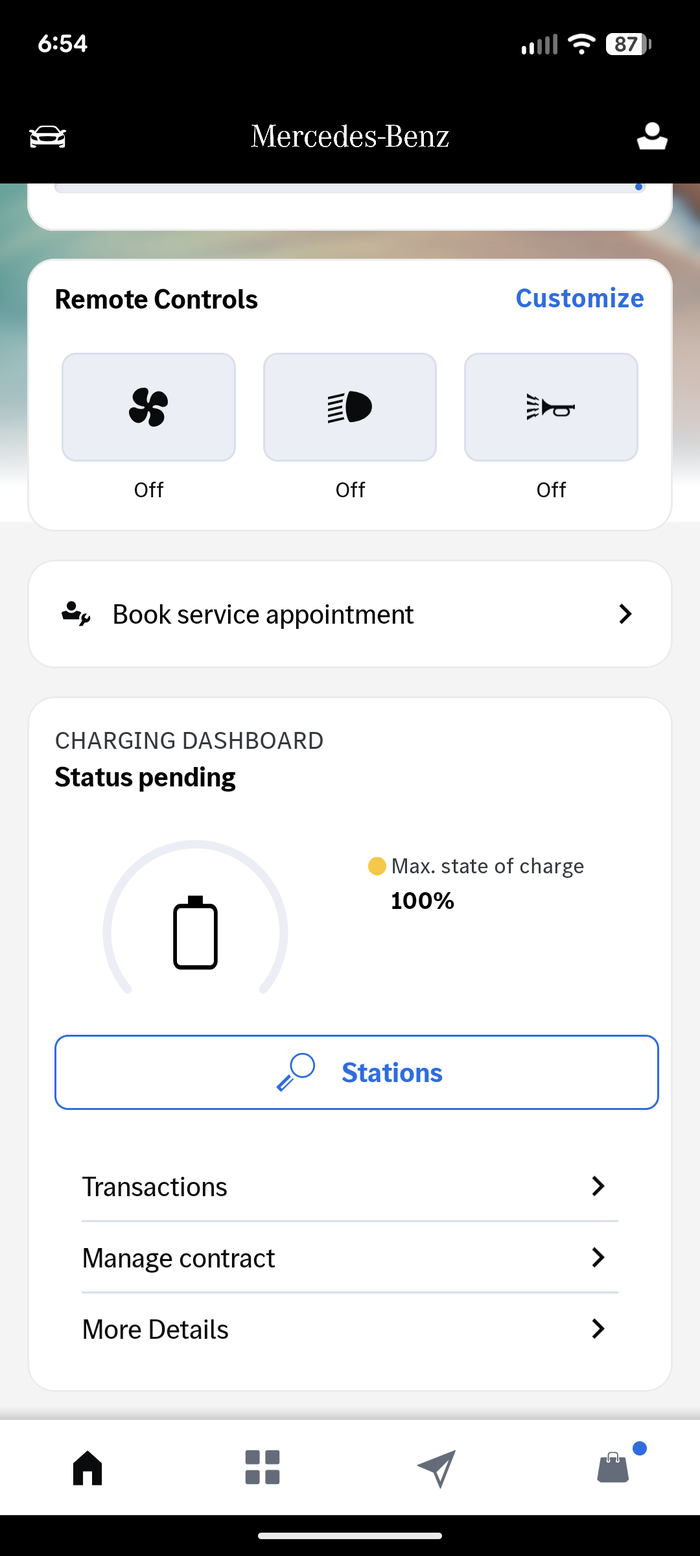
2. Select “MB.CHARGE Public charging contract,” which will open a link to the ChargePoint® account in your browser.
3. Log in to your account
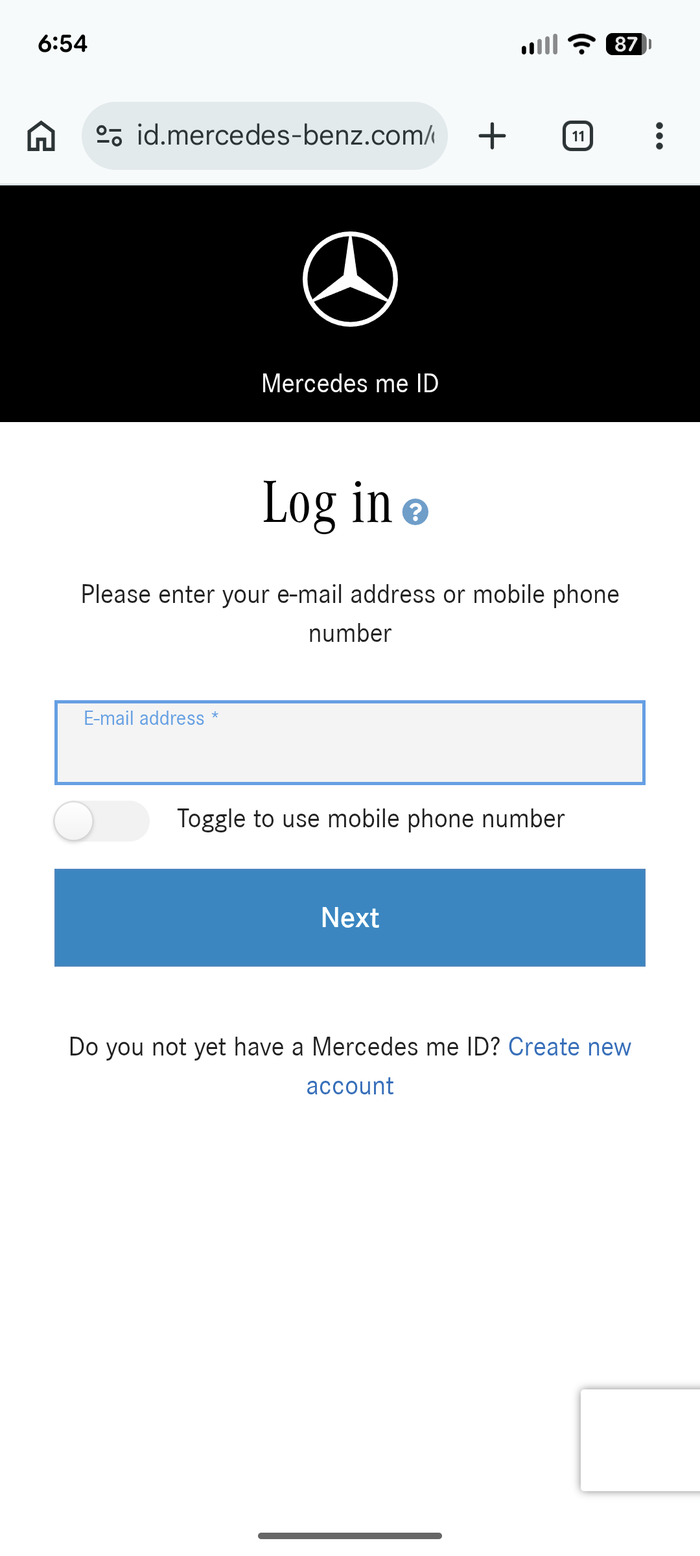
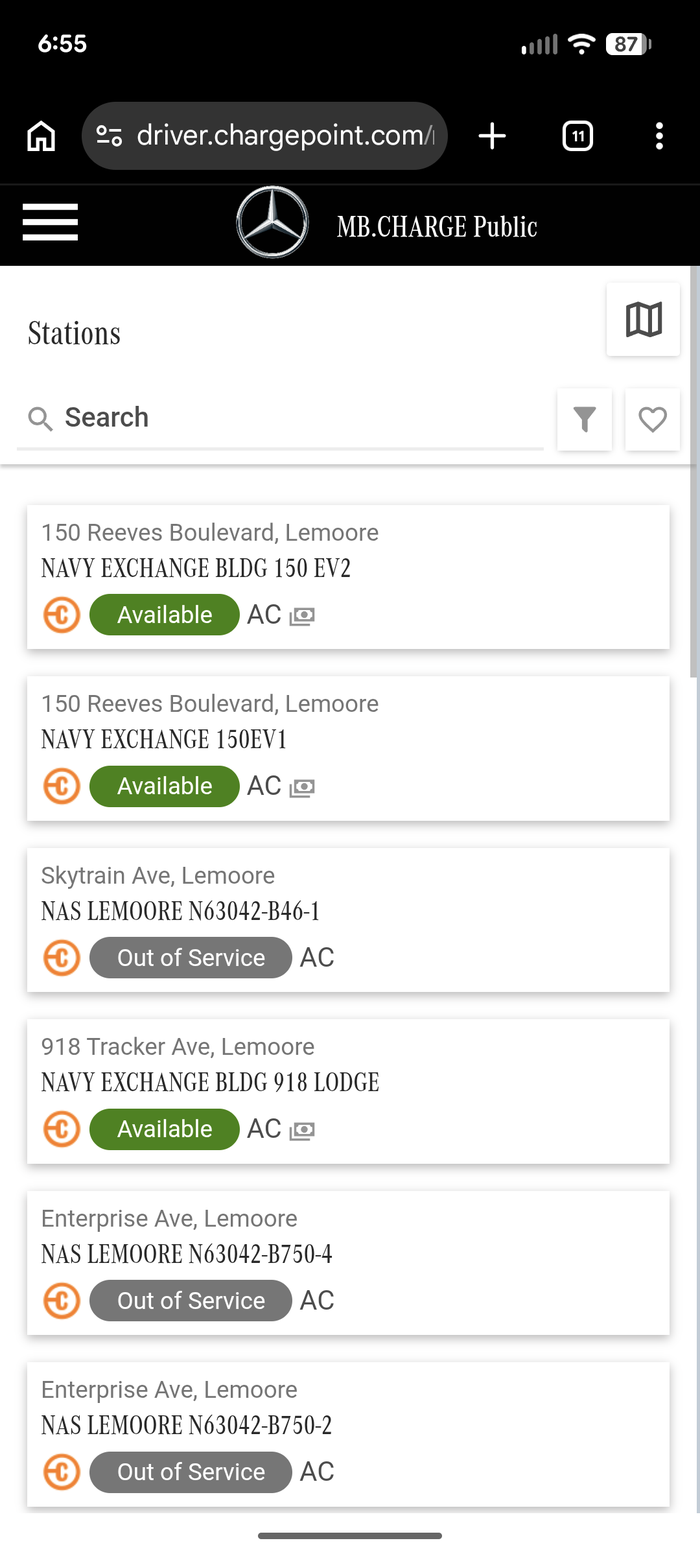
4. Once logged in, open the menu in the upper lefthand corner.
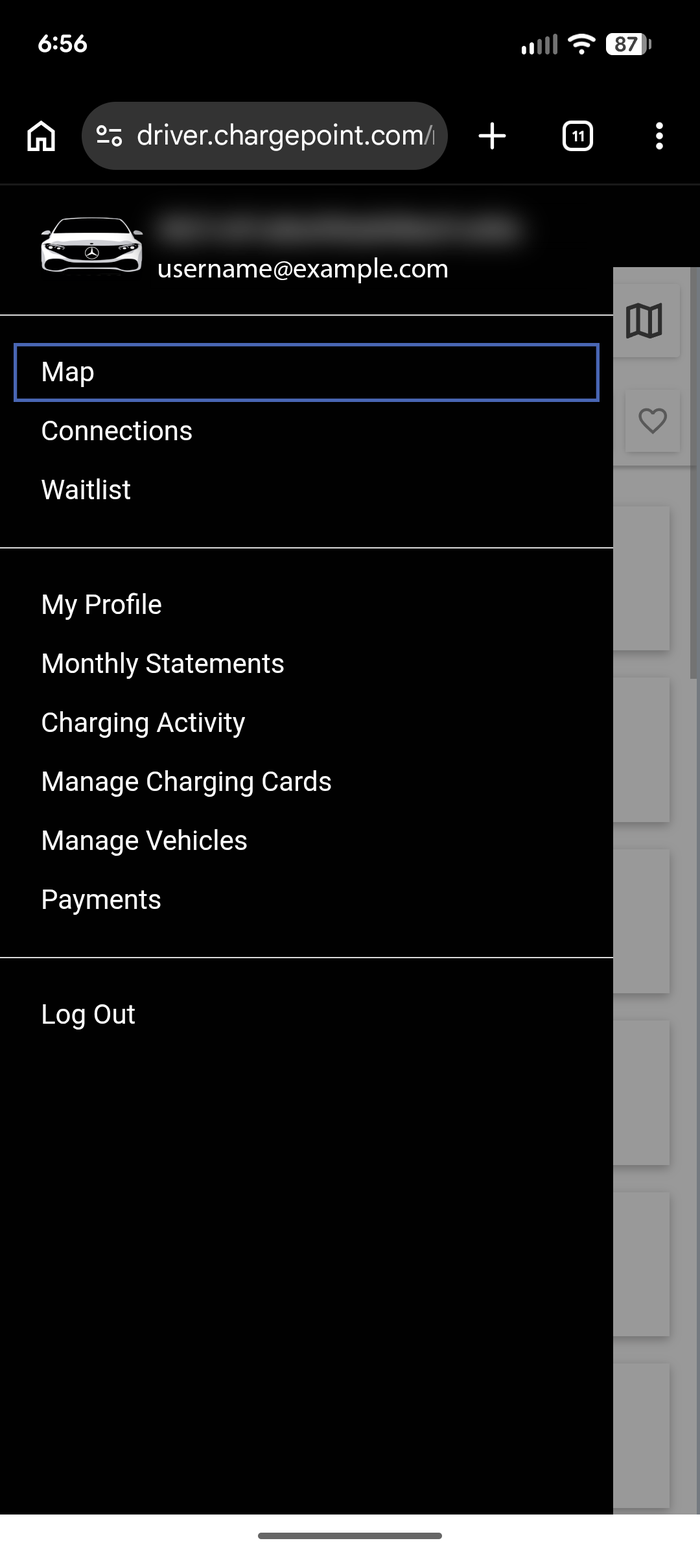
5. Select “Payments.”
6. Select “Edit” to review and update your payment source.
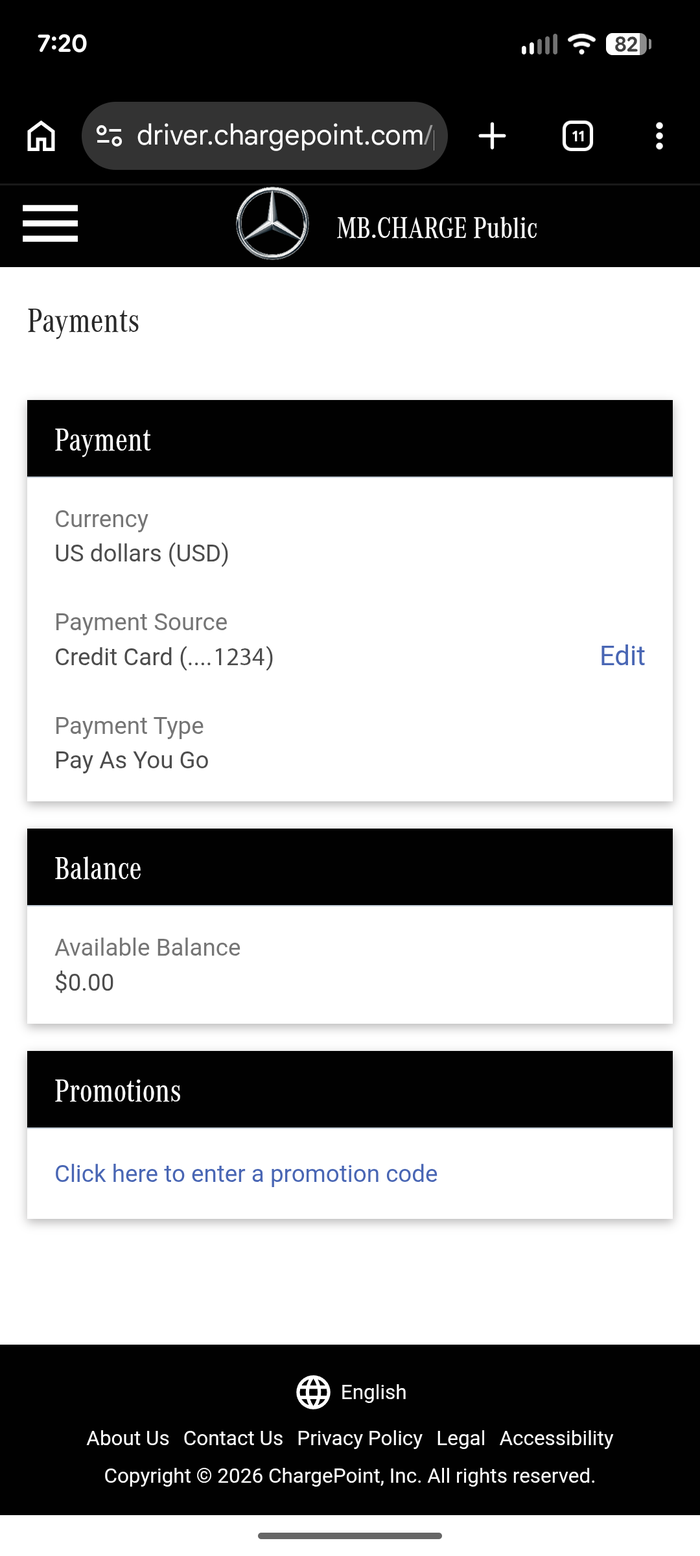
7. Finish by saving your new payment information.