
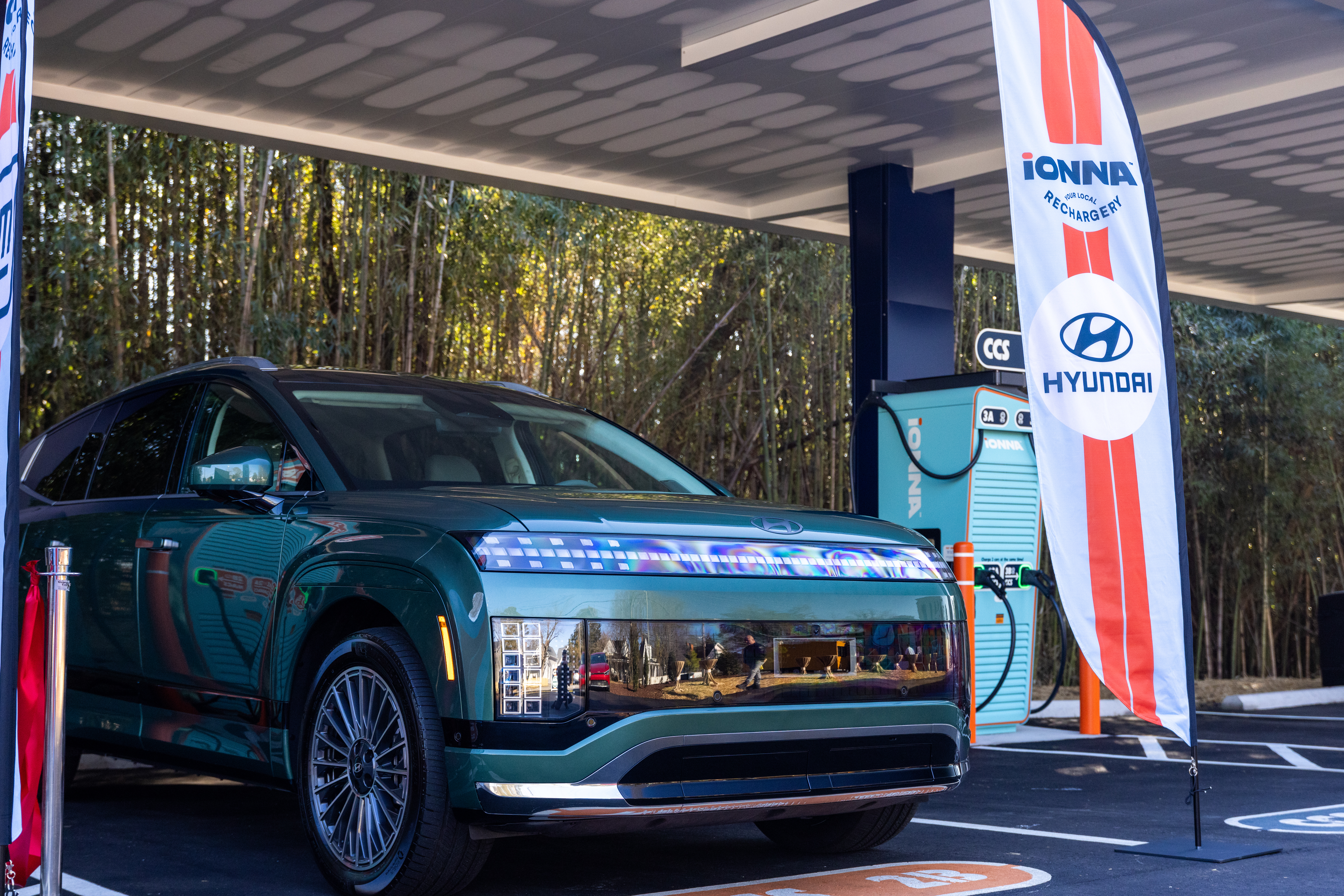
Fast, Reliable Public Charging Made Easy for Hyundai EV Drivers

Enjoy 20% off charging costs for eligible Hyundai EVs when using In-App Charging or Plug & Charge through September 30, 2026.*

Download the MyHyundai App to get started.

Eligible EVs:

  • IONIQ 5 | 2022 model year and newer
  • IONIQ 5 N | 2025 model year and newer
  • IONIQ 6 | 2023 model year and newer
  • IONIQ 9 | 2026 model year and newer
  • KONA Electric | 2025 model year and newer

*Discount is available starting August 19, 2026 through September 30, 2026
Discount applies to the cost of energy dispensed and excludes taxes and charging session-related fees
Not valid for charging sessions started using credit card reader or third party apps


We’re here for you!

IONNA was founded by eight of the world’s leading Automakers to make EV charging seamless and reliable, and most importantly, to put drivers first. These savings give back to the EV drivers who chose those brands — a built-in perk for being part of the IONNA founding family.

Find a Rechargery

How to

Need help setting up your myHyundai app?
To get started:

1) Download the MyHyundai App

2) Set up Hyundai Pay, go to the "Home" page and navigate to the "Menu" located at the bottom right. Scroll down and select "Hyundai Pay" then scroll down and input your credit card information.

3) To activate In-App Charging, go to the "Menu" section, click on "Subscriptions" then scroll down under "Charging" and click on "In-App Charging" to activate.

4) If your EV supports Plug & Charge, Plug & Charge will automatically be active once you enroll in In-App Charging. To confirm, go to the "Home" page, click on "Charge" and scroll down to "Plug & Charge." It should say "Active." If not, click to activate.

The discount is applied automatically. A promotional code is not needed.

Click here to learn more:

How to set up In-App Charging

How to set up Hyundai Pay

FAQs

Check out our FAQs for quick answers to common questions about our Rechargeries, and more.

Where can I find my local rechargery?
What connectors will you find at a Rechargery?
How much is the Hyundai discount?
Where can I view my Hyundai discount during my charging session?
How do I receive the Hyundai discount?
Will the Hyundai discount work if I use my credit card at the IONNA charger?
What are the eligible Hyundai vehicles and how do I know if it is equipped with In-App Charging or Plug & Charge?
Can I combine the Hyundai discount with other discounts that IONNA might offer?
Is there a limit on how often I can charge to receive the Hyundai discount?
What should I do if I can’t find IONNA charging stations in the MyHyundai app
What should I do if I don’t see the In-App Charging and/or Plug & Charge setup option in my app?