June 3, 2026

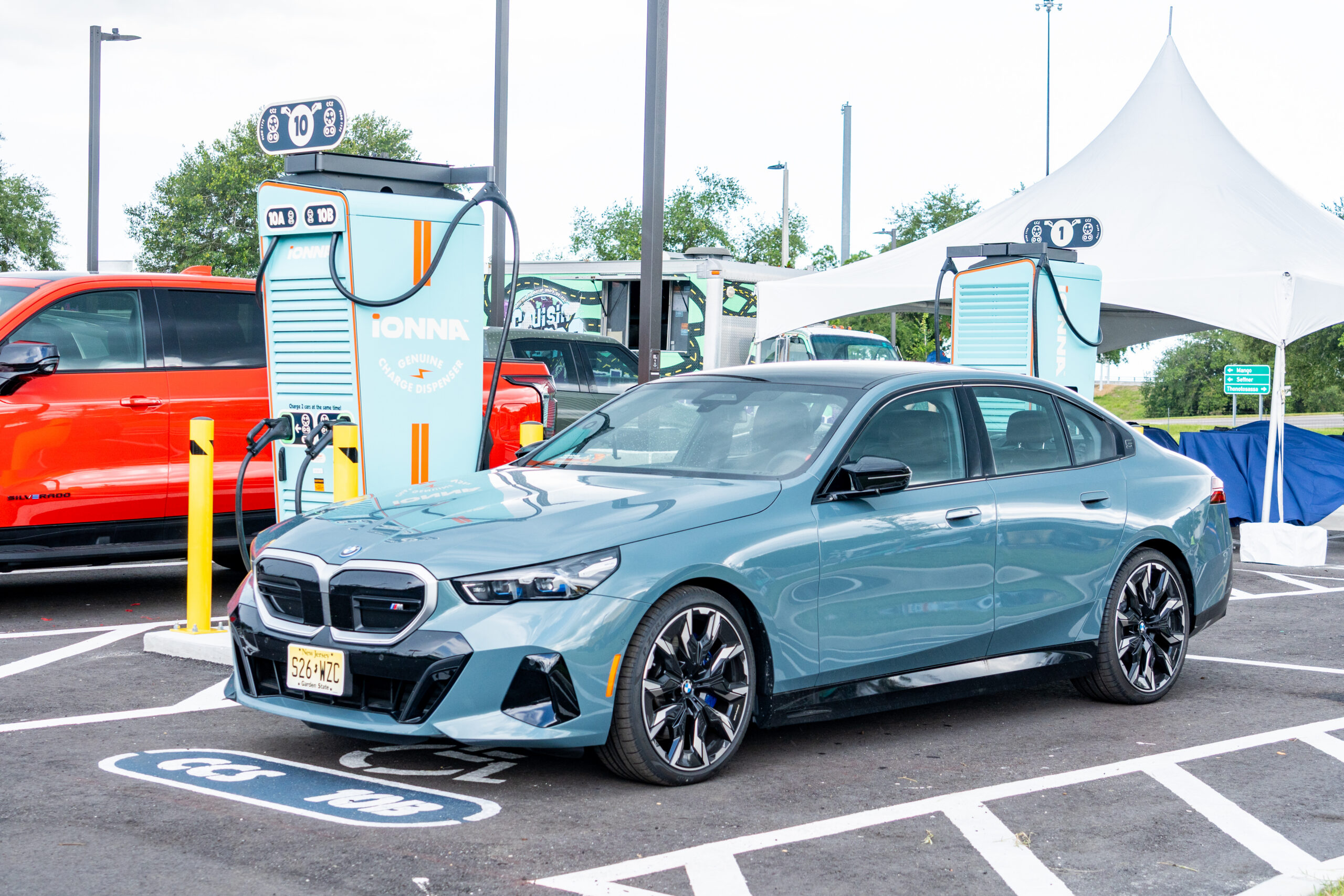
There is something timeless about packing up the car, setting your sights on the horizon, and hitting the open road. If you’re planning your route in the My BMW App, we’ve made sure finding an IONNA station is smooth sailing. We put together a quick video tutorial to show you the ropes, but if you’re more of a reader, here is your simple, step-by-step guide to making IONNA your preferred home-away-from-home on the road.
First things first, go ahead and open up your My BMW App right from your phone. Scroll down until you see the “Charging” section, and give that “More…” button a tap.
We love a familiar face, and we want to make sure your app knows it! On the charging page, look for the “Services” section and tap on “Preferred Charging Station Operators.” You’ll see a list of options pop up. Go ahead and select IONNA, then hit “Save Preferences.”
Now, let’s see what’s out there. Tap that map icon on the bottom menu bar, then tap “Charging” to see what’s close by.
Let’s narrow things down to just the good stuff. Swipe along that filter bar until you find “Preferred Operators.” Give it a tap, and just like magic, the map will clear up to show you the IONNA Rechargeries right in your neck of the woods.
Every IONNA spot is built with comfort in mind. Tap on a location to pull up the details. Here, you can review the amenities waiting for you.
Once you’ve picked your spot, tap “View Route” to see the path ahead. When you’re packed up and ready to hit the road, just click “Send to my BMW.” The directions will be waiting for you right on your car’s dashboard.
And just like that, you’re ready to roll. No guesswork, just the open road ahead and a warm welcome waiting for you at the other end.
Safe travels, out there. See you down the road!

